
앱 정보
스크린샷 & 미리보기


상세 앱 소개
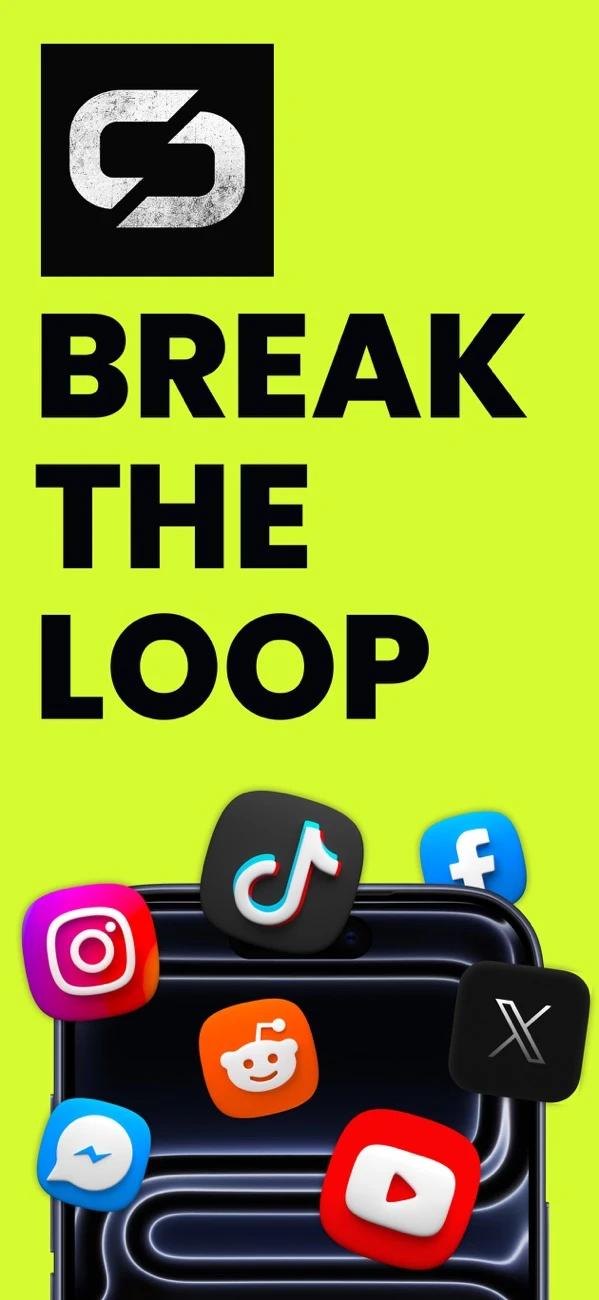
Your phone isn't the problem. The loop is.
You open an app for one thing and surface forty minutes later. Unloop puts a wall in that loop - a real one, built on Apple's Screen Time - and makes getting past it cost exactly enough to make you stop and think.
BLOCK WHAT EATS YOUR DAY
- Pick the apps, categories and websites that pull you in.
- Block them on a schedule - evenings, mornings, work hours - or all the time.
- Set a daily usage limit: when an app has had its minutes, the shield comes up for the rest of the day.
- Need a clean hour right now? Block Now starts a timed block in one tap, with a countdown on your Lock Screen.
UNLOCKING COSTS SOMETHING
Most blockers have an off switch one tap away. Unloop doesn't.- Choose how firm each rule is: Soft asks once, Firm makes you hold, Strict makes you earn it.
- Earn a few minutes, not an off switch: unlock for 5, 10 or 15 minutes, and the shield comes back on its own.
- Every unlock today costs double the one before, and each rule has a daily limit. "Just once more" gets expensive fast.
UNLOCK RITUALS
Strict rules ask for a ritual before they open:- Hold - keep your thumb down, no shortcuts.
- Transcribe - retype a phrase exactly. One typo and you start over.
- Breathe - a minute of paced breathing, then decide again.
- Walk - steps buy minutes. 20 steps for every minute you want.
- Intention - say why you're opening it, then look at the answer.
- Wait - a minute of nothing. Most urges don't last that long.
EVERY "GO BACK" COUNTS
The shield keeps score. "You've backed off 3 times today. Make it 4." Walking away from an unlock counts as a win and earns stamps - because resisting is the point, not a failure.SEE THE PATTERN
- Blocked time, streaks and your resistance rate over the last two weeks.
- Why you unlock, week over week - "bored" looks different on a chart.
- How your mood tracks the days you blocked.
- What the scrolling costs you in a year, in hours you could spend on something else.
- A weekly receipt of your week, ready to share.
REPLACE THE SCROLL
Log what you did instead - walked, read, cooked, called someone - and rate the day with one tap in the evening. It all stays in a journal on your phone.ALWAYS WITHIN REACH
- Home Screen and Lock Screen widgets for your status and streak.
- A Live Activity while a block runs.
- Siri and Shortcuts: "Block for a while."
- Notifications only about things you set up - a limit reached, a block ending, a strict rule about to start. No streak nagging. No "we miss you."
PRIVATE BY DESIGN
Apple never tells Unloop which apps you pick - the app only ever sees sealed tokens. Your selections, rules, journal and unlock reasons stay on your iPhone. Your Screen Time numbers are drawn by Apple's own system components, which Unloop can't read.UNLOOP PREMIUM
The core blocker is free, with one rule. Premium unlocks:- Unlimited rules - one for every part of your day.
- Strict mode and every unlock ritual.
- Daily usage limits. Choose monthly, yearly - with a free trial for new subscribers - or a one-time lifetime purchase.
Payment is charged to your Apple Account when you confirm the purchase. Subscriptions renew automatically unless cancelled at least 24 hours before the end of the current period, and your account is charged for renewal within 24 hours before the period ends. A free trial, if offered, converts to a paid subscription unless cancelled at least 24 hours before it ends. Manage or cancel anytime in your Apple Account settings.
핵심 기능
- Walk to Unlock: Earn screen time back by completing physical step goals.
- Strict Blocking: Secure Apple Screen Time integration that prevents easy bypassing.
- Mood Journal: Log how you feel before and after your doomscrolling urges.
- Custom Schedules: Set automatic blocking hours for sleep and deep work.
- 100% Privacy: All health and app data stays securely on your local device.
최신 버전 업데이트 안내
- Initial Release! Welcome to Unloop.
- Added Walk-to-Unlock pedometer integration.
- Secure Apple Screen Time blocking integration.
- On-device mood and trigger journaling.
실제 사용자 후기
"정말 만족스럽습니다! Unloop는 군더더기 없이 빠르고 완벽하게 작동합니다."
"깔끔한 인터페이스가 마음에 들어요. 데이터가 클라우드로 전송되지 않는 로컬 처리라 안심하고 씁니다!"
"빠르고 확실하네요. 아이폰 용량 관리와 정리에 꼭 필요한 필수 앱입니다."
자주 묻는 질문


관련 가이드 & 전문가 칼럼
ADHD 및 전화 중독: 의지력이 실패하고 촉각 마찰이 승리하는 이유
가이드 읽기Apple 스크린 타임 우회를 중지하는 방법: '1분 더' 결함 수정
가이드 읽기취침 시간을 미루는 습관에 대한 복수: 깊은 잠을 위한 자동 저녁 보호막 설정
가이드 읽기Deep Work Focus Sprints: iOS 라이브 활동으로 Cal Newport Focus 익히기
가이드 읽기30일 디지털 미니멀리즘 챌린지: 실용적인 수도사 모드 청사진
가이드 읽기파멸 스크롤의 신경과학: 전두엽 피질 피로 및 도파민 재설정
가이드 읽기기하급수적 비용 규칙: 행동 경제학을 사용하여 '5분만 더' 끝내기
가이드 읽기계정을 삭제하지 않고 Instagram Reels 및 TikTok 피드를 차단하는 방법
가이드 읽기Opal, 1초, Unloop: 최고의 2026 iOS 화면 시간 차단기 비교
가이드 읽기청소년 공동 화면 시간: 신체적인 활동을 통해 디지털 시간 얻기
가이드 읽기환상 진동 증후군: 신체 인식 및 무의식 전화 Twitch 재교육
가이드 읽기스크린 타임 앱의 개인정보 보호: Apple의 봉인된 토큰이 VPN 차단기와 비교하여 사용자를 보호하는 이유
가이드 읽기1년에 1,000시간 회수: 모든 것을 변화시키는 연간 시간 감사
가이드 읽기'두루마리 바꾸기': 인생을 되찾는 습관 대체 방법
가이드 읽기기기 사용 시간과 불안: 기기 내 기분 추적이 스크롤 후 슬럼프를 드러내는 방법
가이드 읽기화면 시간을 칼로리로 전환: 앱 제한으로 일일 10,000걸음을 게임화
가이드 읽기기말고사 및 고위험 시험 준비: 하드 잠금으로 전화 방해 요소 제거
가이드 읽기의식 잠금 해제: 호흡법과 녹음을 사용하여 Urge Surfing 마스터하기
가이드 읽기걸어 잠금 해제: 만보계 기반 화면 시간이 강박의 고리를 끊는 방법
가이드 읽기지식 근로자 주의 분산 다이어트: 컨텍스트 전환 및 세부 점검 종료
가이드 읽기개인정보 보호 및 이용약관
FlashSoft는 Unloop의 100% 온디바이스 보안을 보장합니다.